
Secure Gateway
The official gateway to Ledger.com/start. Experience the next generation of hardware security with clinical precision and high-tech protection for your digital assets.
Getting Started Guide

Unboxing & Setup
Open your box and verify the hardware wallet. Connect it to your computer via USB-C for the initial configuration.

Secure Recovery
Generate a 24-word recovery phrase. Write it down securely in a physical location and store it in a safe, offline vault.

Key Management
Use Ledger Live to manage your wallets. Import your private keys and start managing your digital assets with total peace of mind.

Secure Storage
Keep your Ledger device in a secure, offline environment. Never connect it to public Wi-Fi or untrusted networks.

Secure Element Architecture
Our hardware wallets leverage a dedicated Secure Element chip, a tamper-resistant silicon core designed to protect your private keys. By running the open-source BOLOS operating system, Ledger ensures that your cryptographic assets remain isolated from the internet, providing a clinical and sterile environment for cold storage. This architecture eliminates the risk of online attacks and provides a high-tech gateway for secure cryptocurrency management.


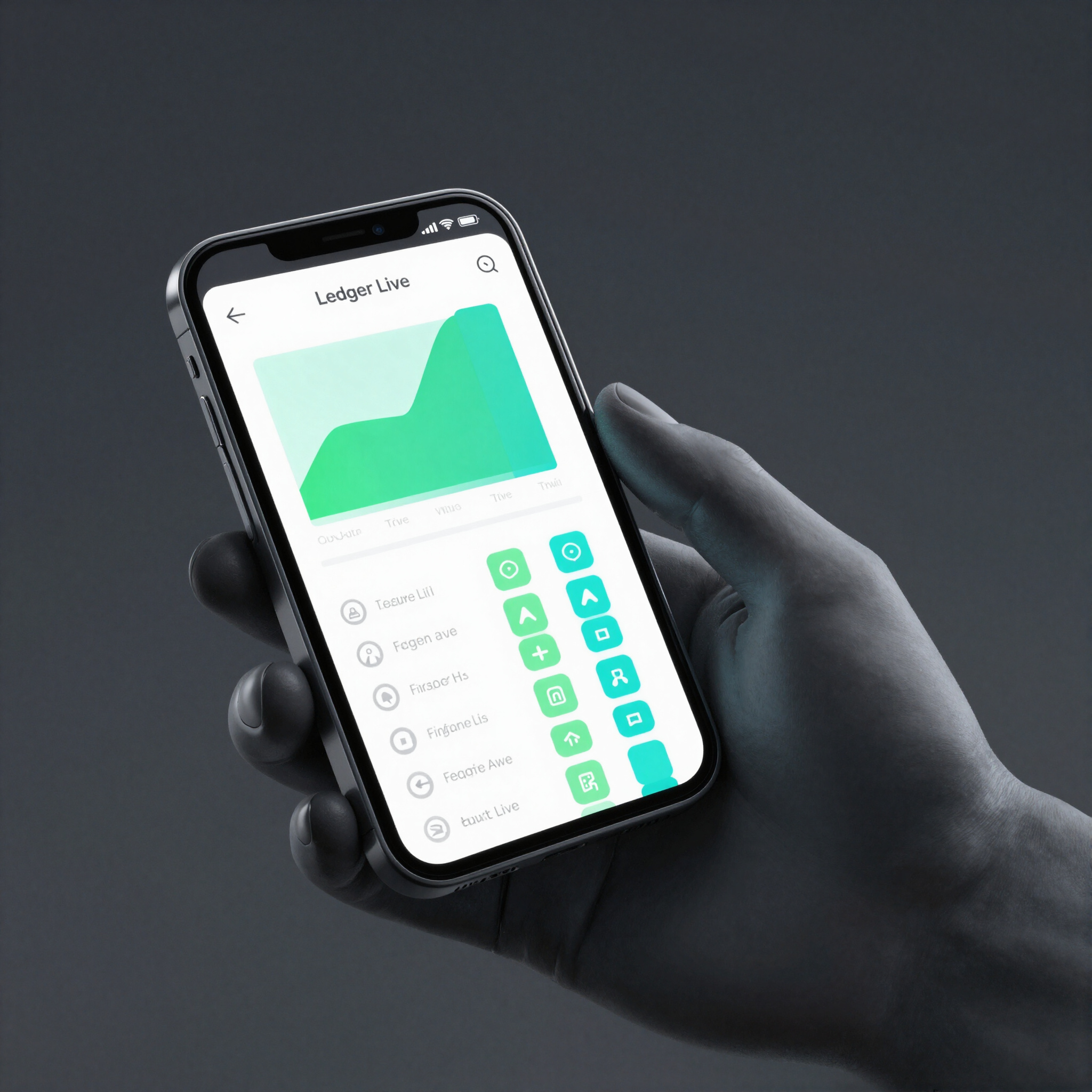
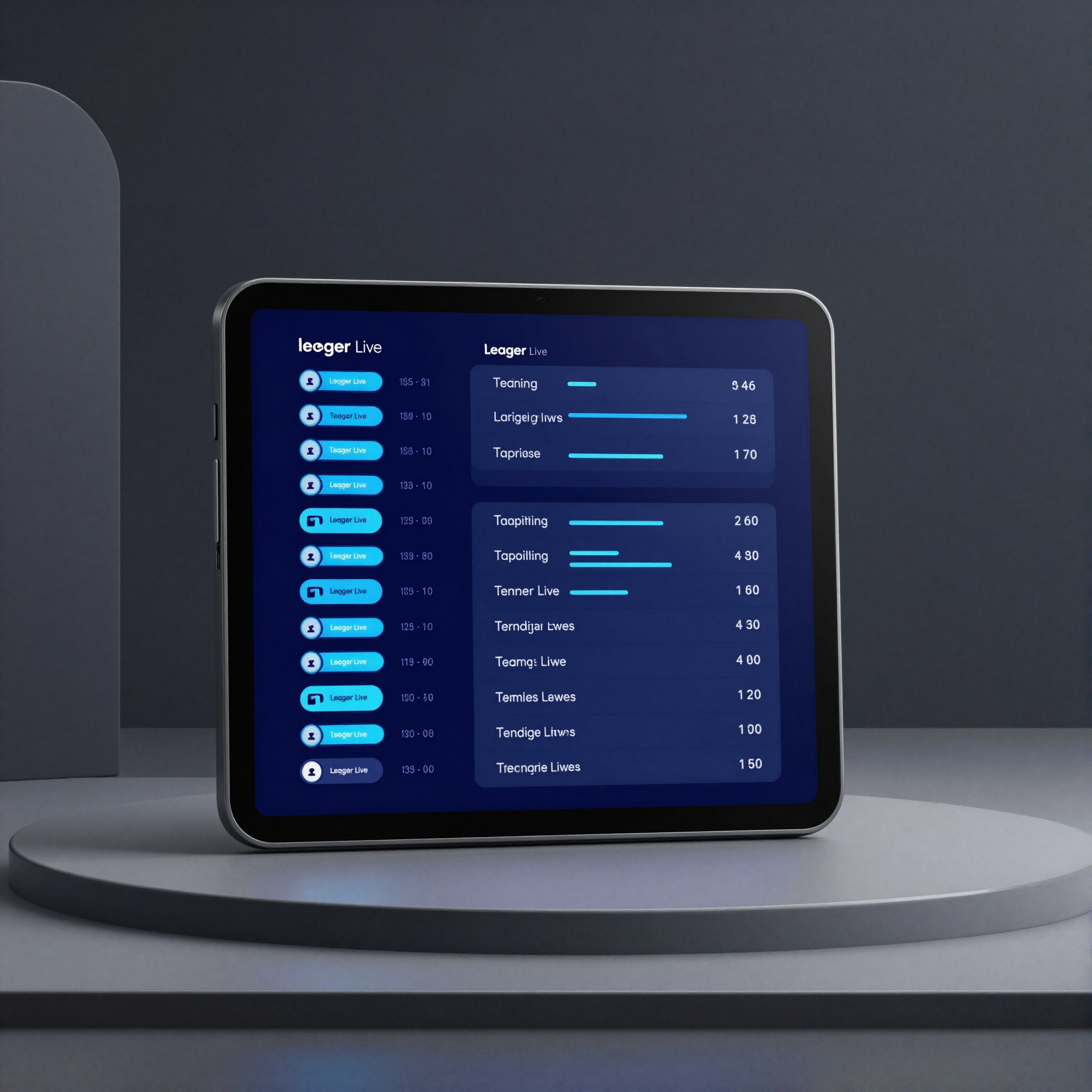
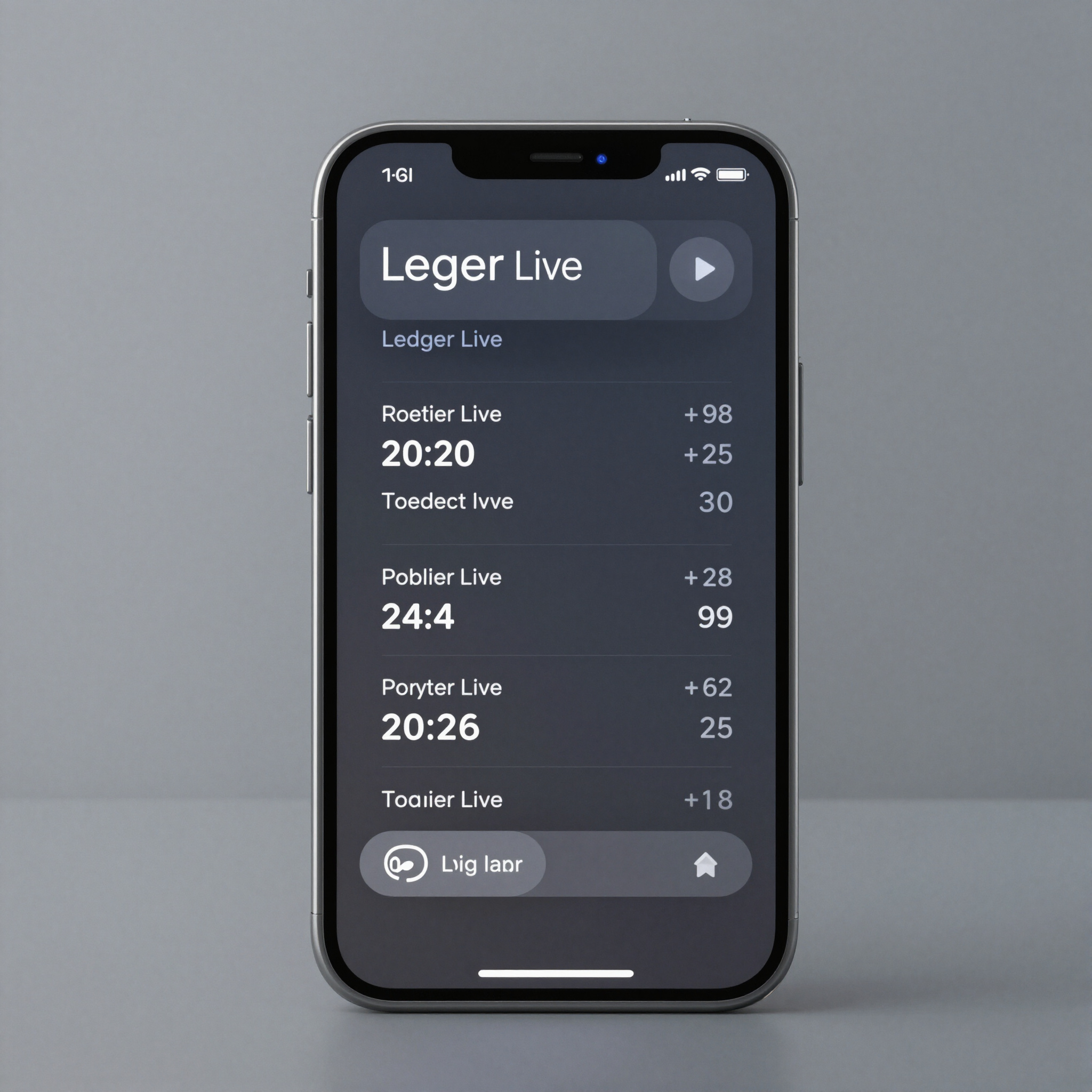
Live Ledger Ecosystem
Experience the future of crypto management with Ledger Live. Our ecosystem provides real-time portfolio tracking, secure transaction verification, and seamless hardware wallet integration across all your devices.
Setup & Security FAQ
How do I initialize my Ledger hardware wallet?
Start by downloading the Ledger Live app on your computer or mobile device. Connect your device via USB-C, then follow the on-screen prompts to verify your recovery phrase and complete the setup wizard.
Is Ledger Live safe for my cryptocurrency?
Yes, Ledger Live is a secure, encrypted platform designed to manage your assets safely. It uses advanced security protocols to protect your private keys and ensures your funds remain under your full control.
What should I do if I lose my recovery phrase?
Your recovery phrase is the only way to restore access to your Ledger wallet. Store it in a secure, physical location. If you lose it, your funds are permanently inaccessible and cannot be recovered.
How do I update my Ledger firmware?
Updates are performed automatically through Ledger Live. You can also manually check for updates in the app settings. Always ensure your device is connected to a trusted network before updating.
Can I use Ledger with multiple exchanges?
Absolutely. Ledger wallets support a wide range of cryptocurrency exchanges and decentralized applications. Simply connect your device to your exchange's mobile app or desktop interface to send or receive funds.